Batch Doc Maker
Batch-generate Word docs from Excel data in one click
Built for real workflows
Batch Doc Maker follows the same principles as every Ahuange tool — small, private and dependable.
Lightweight
Small, focused and fast. No bloat, no trackers — just the job done, right on your computer.
Privacy First
Everything runs locally by default. Your data never leaves your device — no servers, no tracking.
Excel to Word Batch Conversion
Map Excel rows to Word template placeholders and generate hundreds of documents in seconds - mail merge for contracts, invoices, certificates and labels.
See it in action
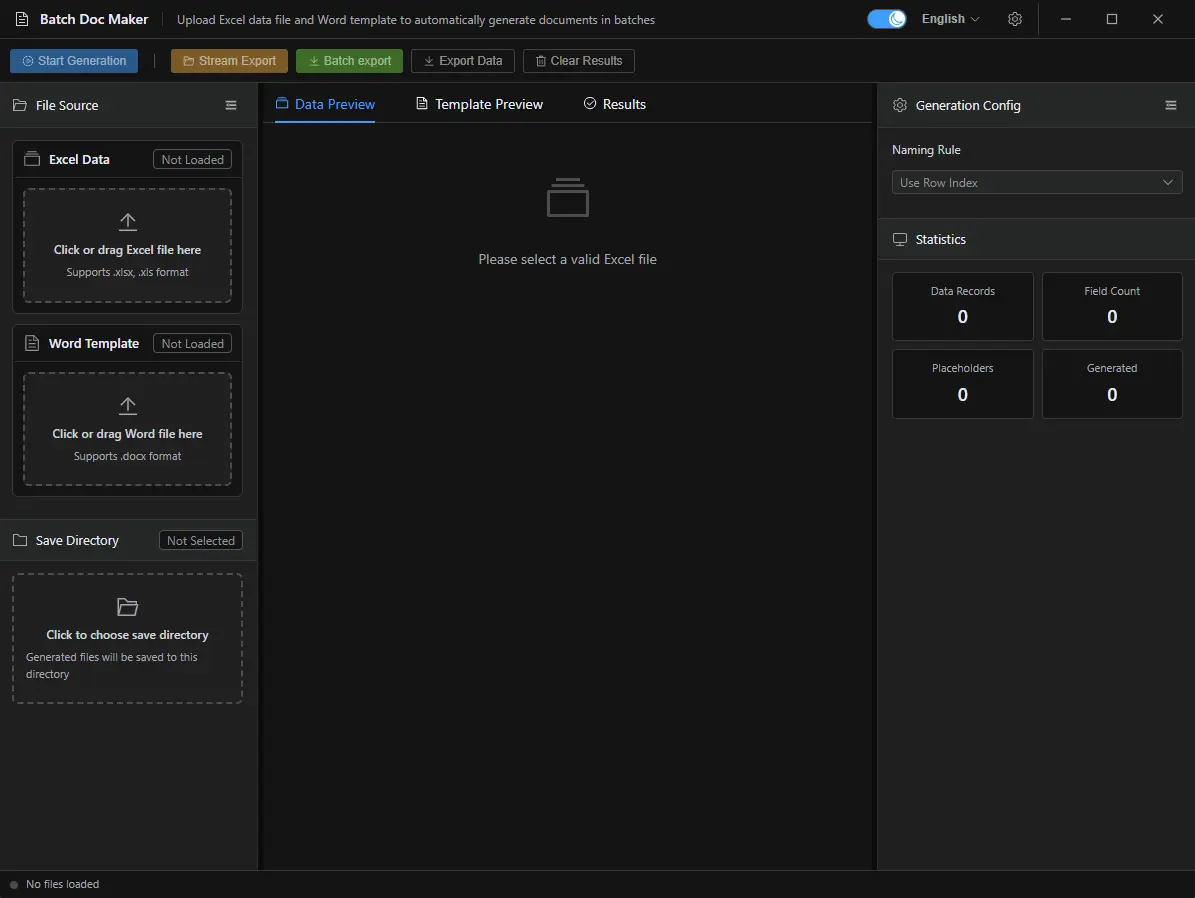
A quick look at the Batch Doc Maker interface. Click any screenshot to zoom in.
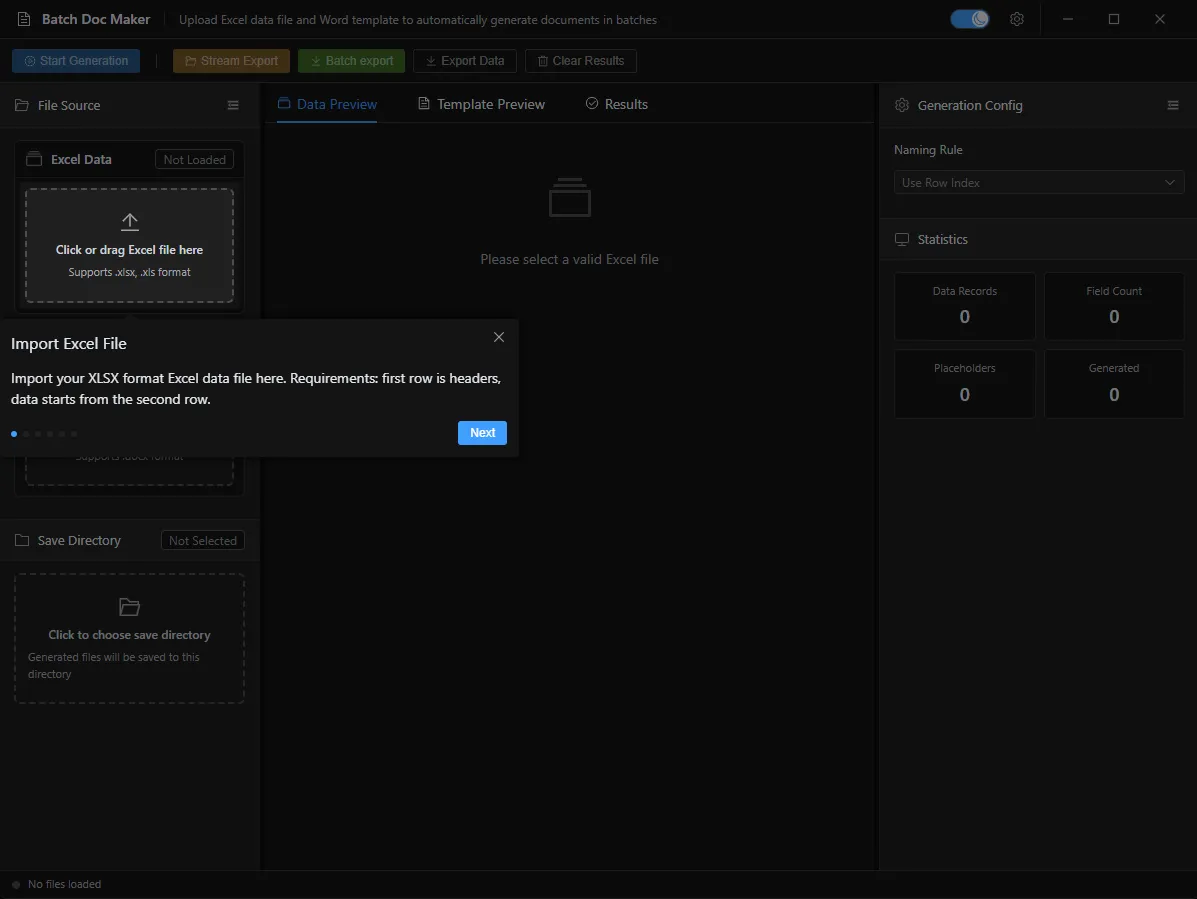
Batch Generation Wizard
Pick your Word template, choose the Excel data source, then generate hundreds of documents in one click.
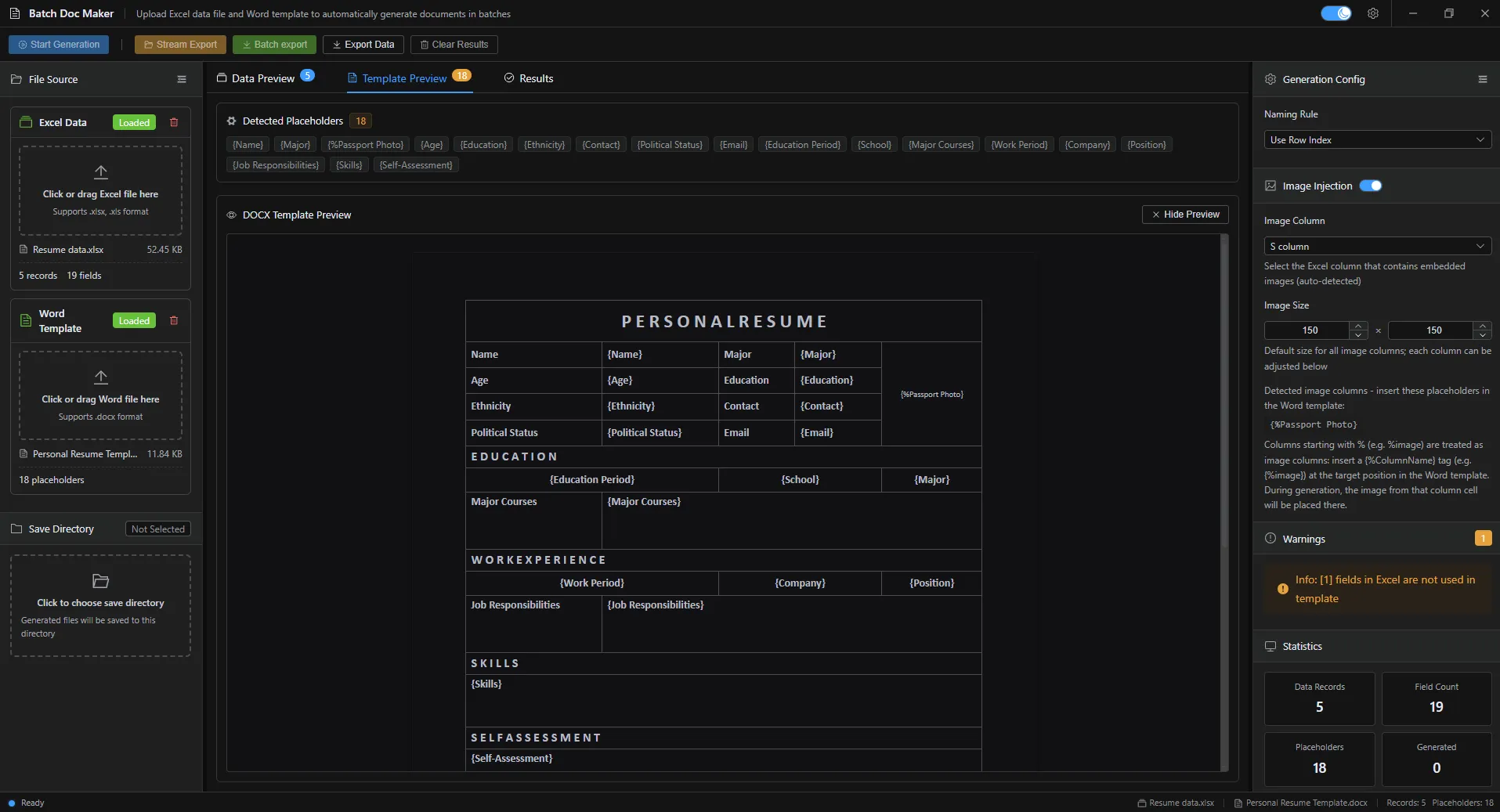
Template Preview
Organise reusable templates with live previews so the right document is always one click away.
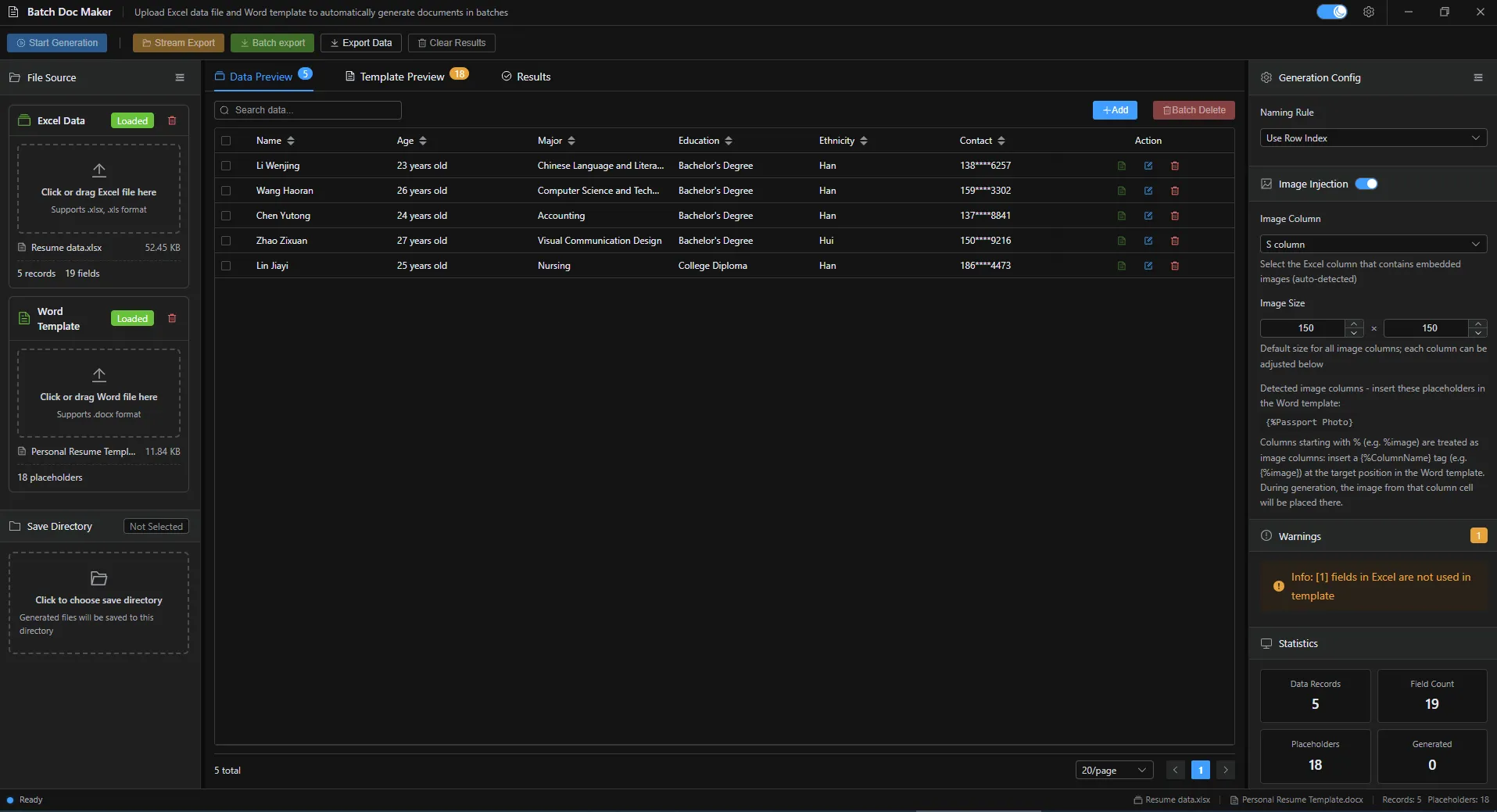
Excel Data Mapping
Map Excel columns to placeholders visually and see real data in every field before you run a batch.
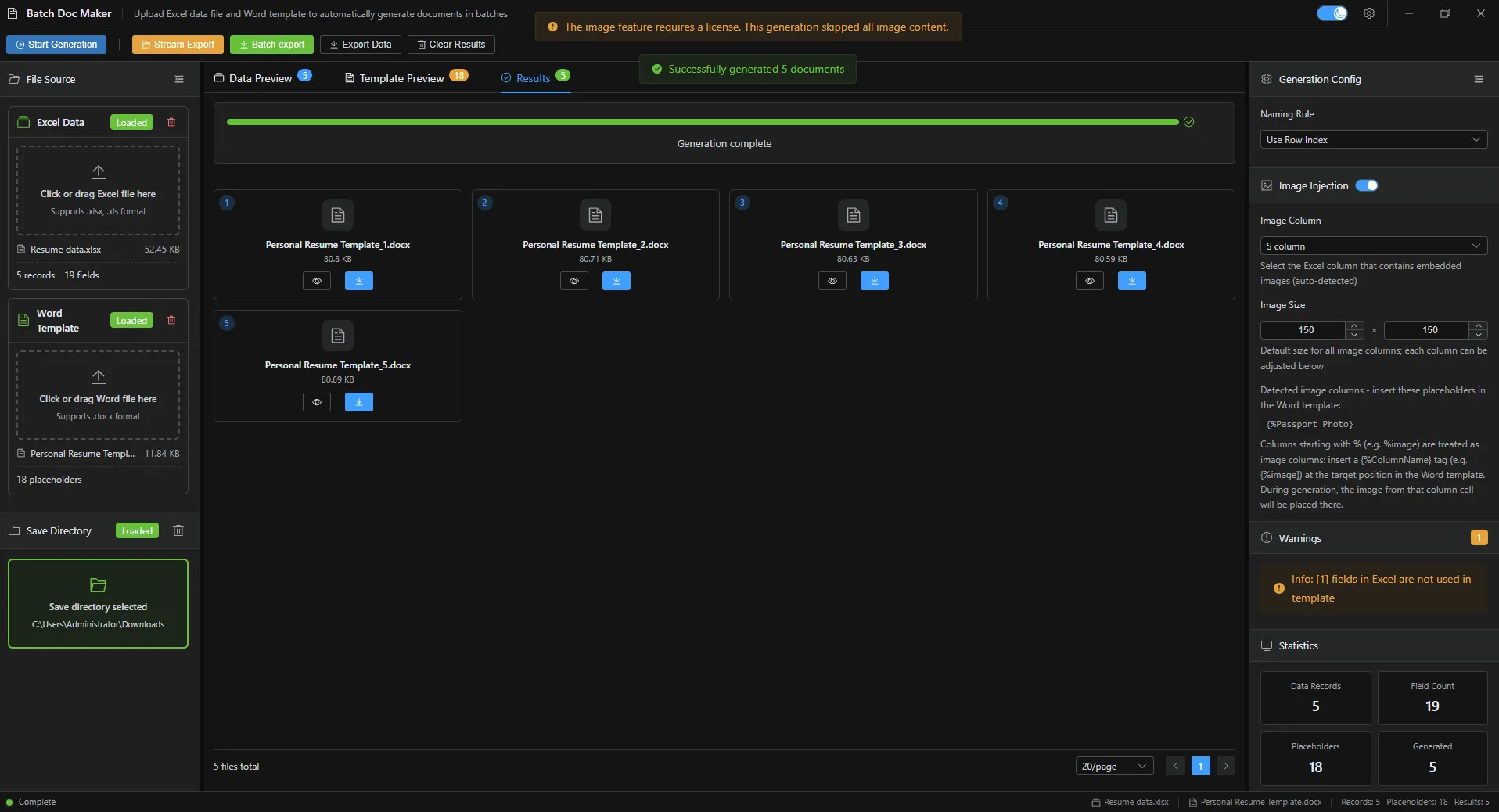
Batch Run Progress
Watch each document generate in real time with a live progress bar and per-file status View each file separately or export them separately.
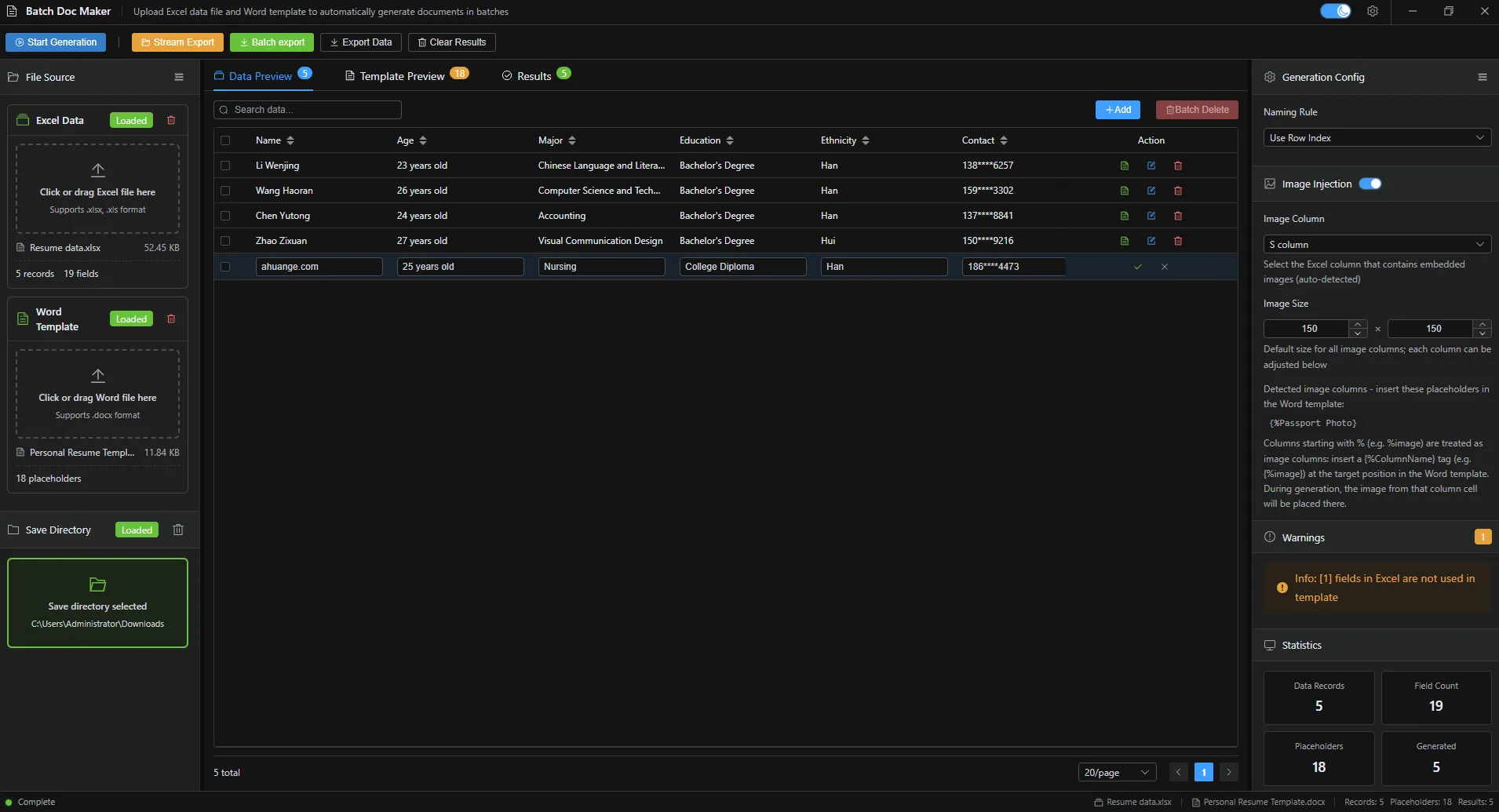
Placeholder Editor
Insert, rename and preview placeholders directly inside the template editor.
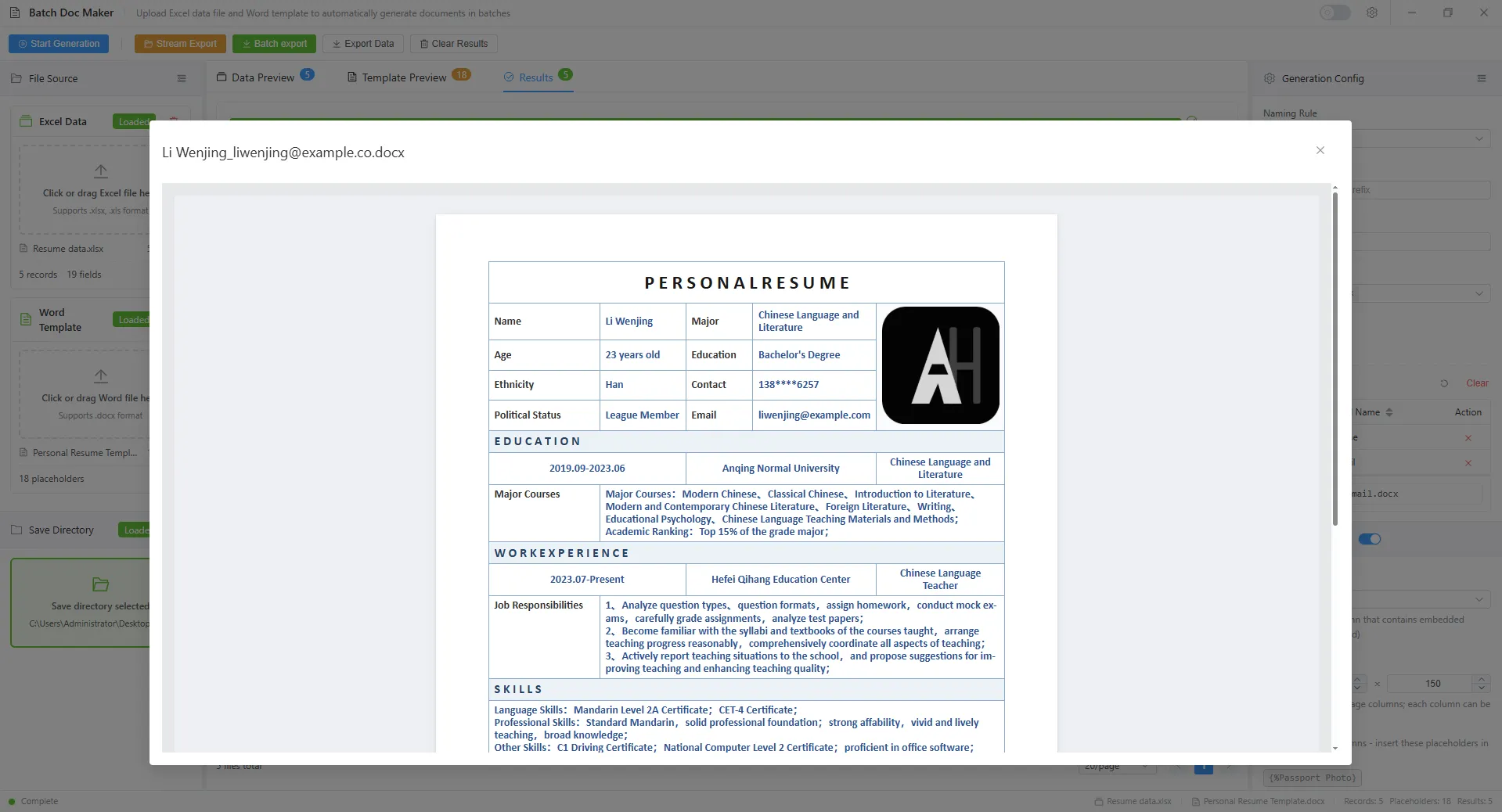
Batch export and streaming export
Streaming export is used for large-scale work tasks that cannot be handled by batch export. It occupies less memory, has high performance, and can be exported individually with streaming output.
Scroll to zoom
Simple, transparent pricing
Start free and upgrade only when it fits your workflow.
Free
For personal use. Everything you need to get started.
- Full core features
- 100% local & private
- Free updates
- Priority email support
Pro
Unlock advanced features for power users.
- Everything in Free
- Advanced automation
- Priority email support
Compare plans
| Feature | Free | Pro |
|---|---|---|
| Full core features | ||
| 100% local & private | ||
| Free updates | ||
| Advanced automation | ||
| Priority email support | ||
| Price | $0 | $29 $19 |
Version History
Every release documented, so you always know what's new.
- The tool has added support for multiple languages, including German, Japanese, French, Spanish,Portuguese,and Chinese
- Adjust and optimize page layout
- Improve performance Improve stability
- Add image processing (available in advanced version)
Frequently asked questions
Everything you need to know about Batch Doc Maker.